Chief Complaint Grouping
Last updated: May 28, 2026
81
views

In ReLiMed EMR, you can group chief complaints together to make it easier to select and chart on.
Go to Admin -> Lists -> List Item Entry
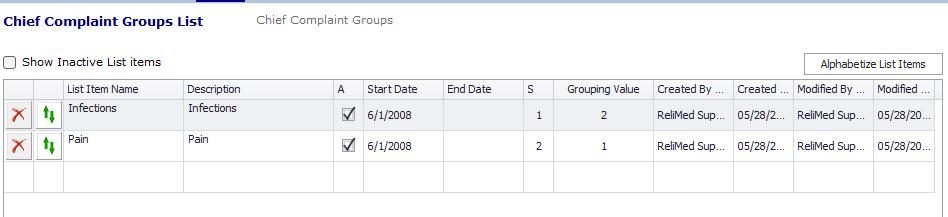
Go to alpha tab "C" on the left side, look for Chief Complaint Groups and select
Add names for the groups you want to create
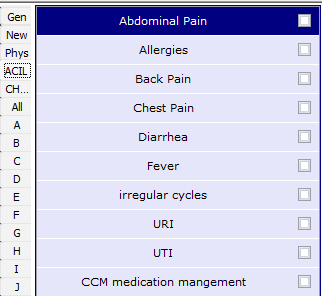
Under Encounter -> HPI screen, you will now see a new Tab for each group in the alpha tab on the left side.
This will help you find the CC you want to chart on quickly